Your team's logins, organized and autofilled.
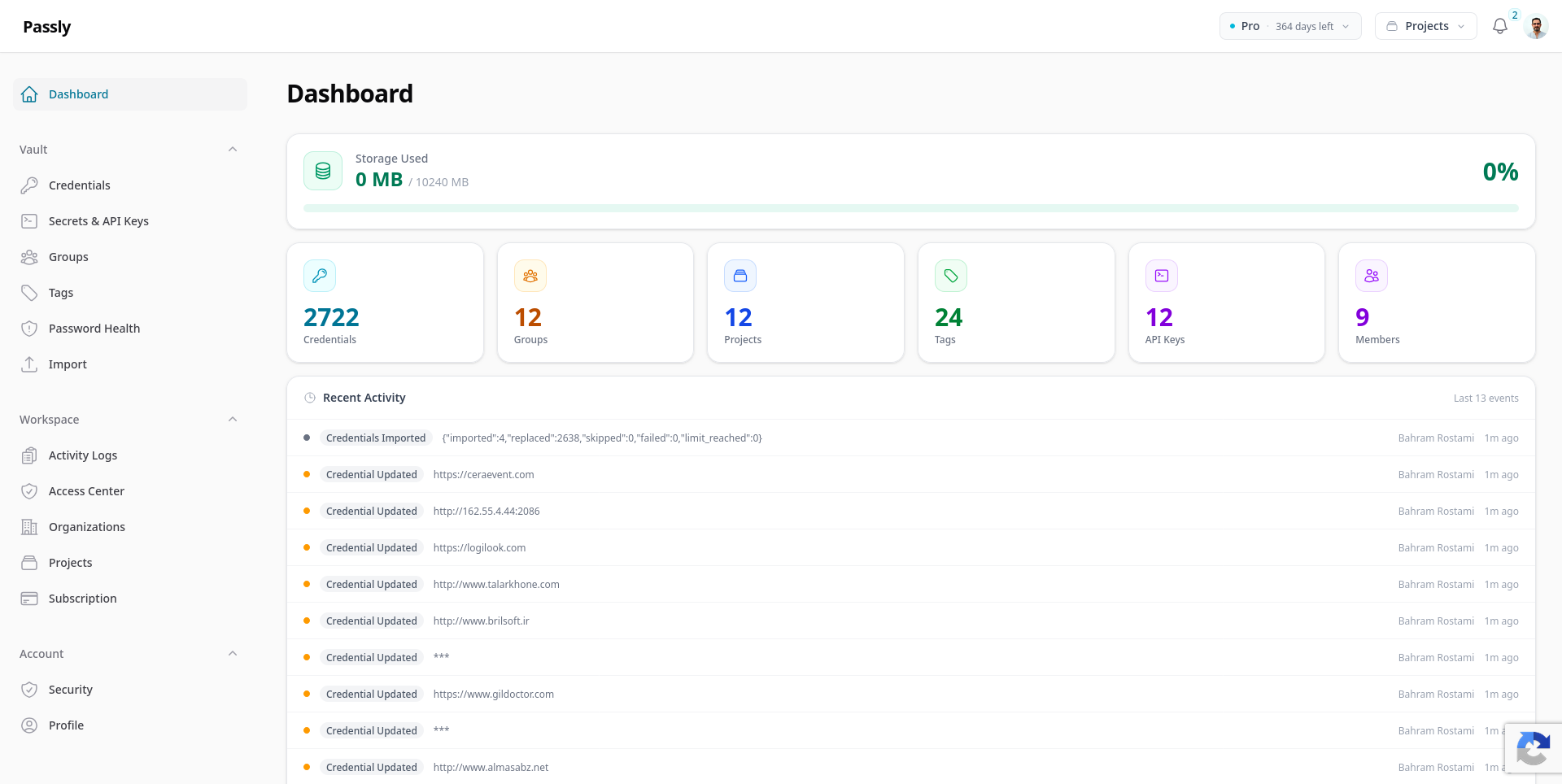
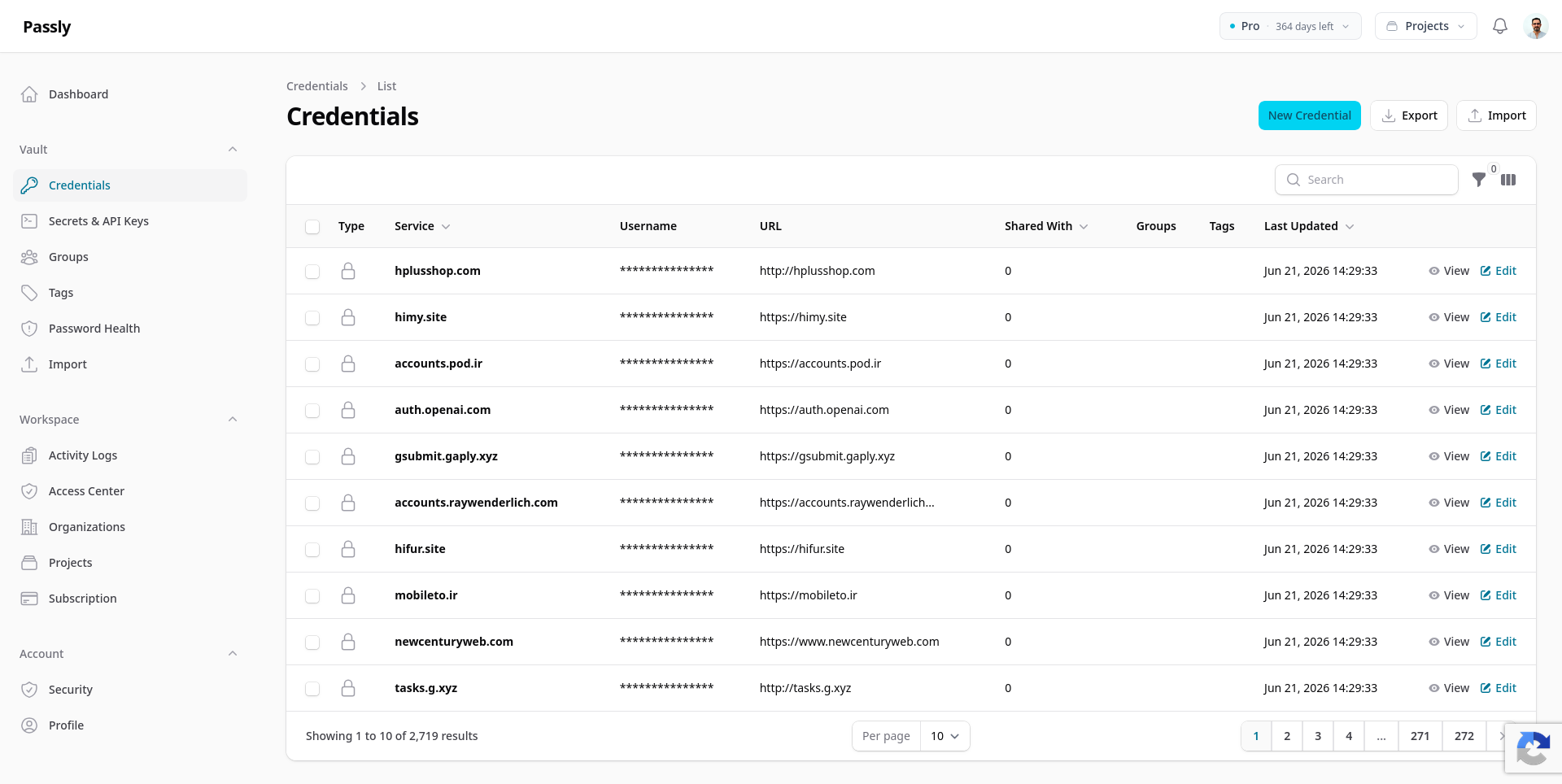
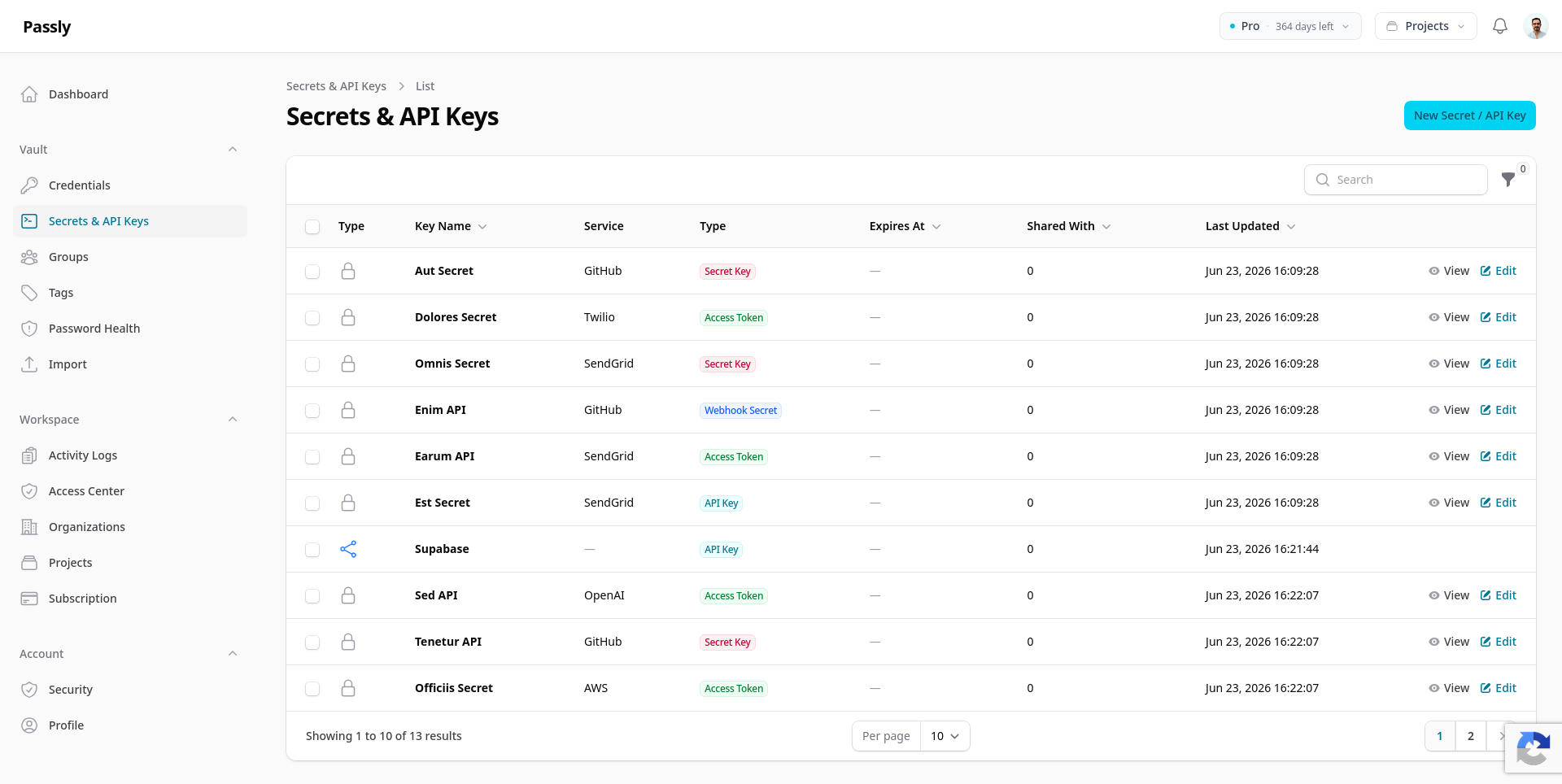
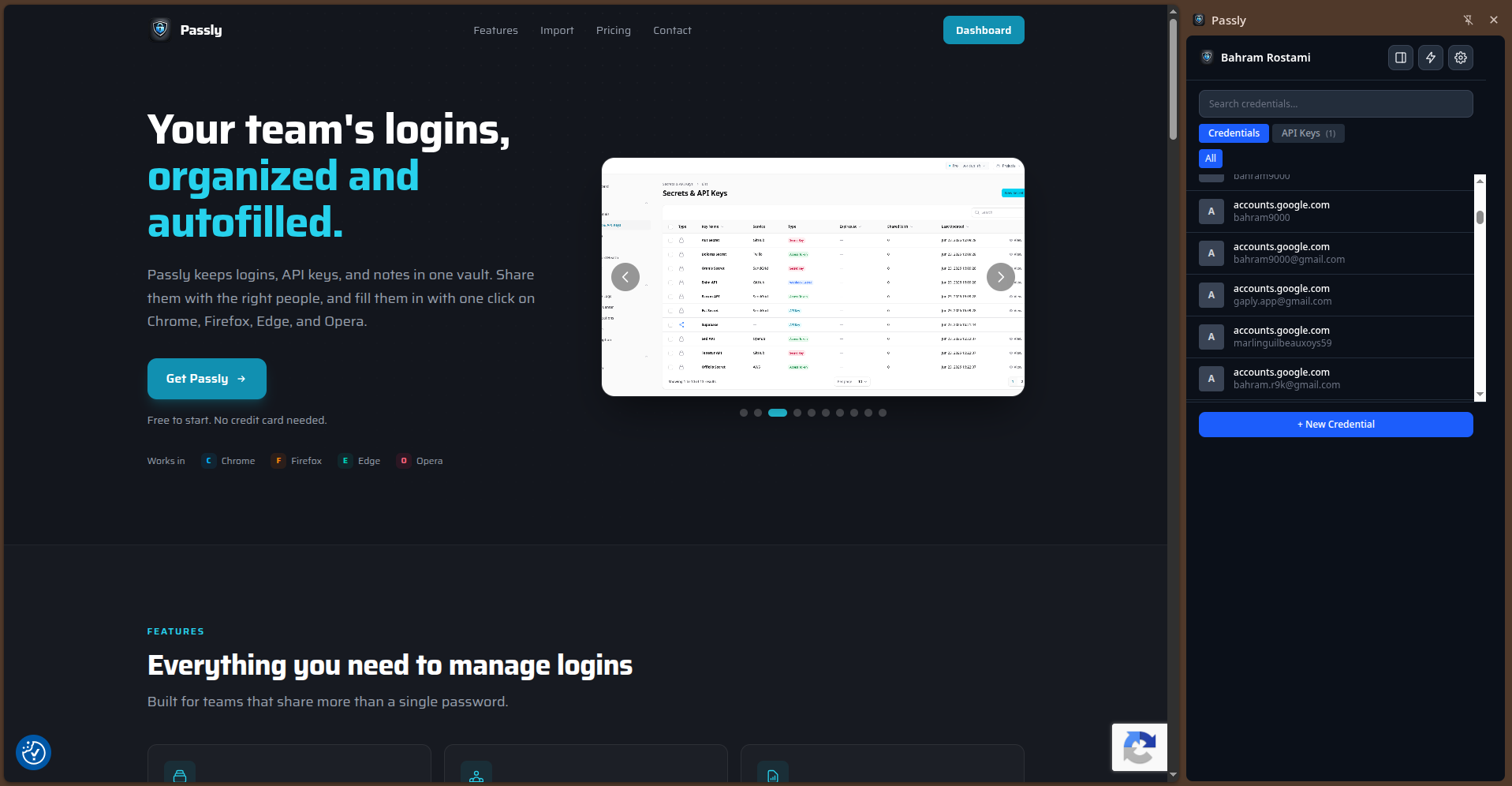
Passly keeps logins, API keys, and notes in one vault. Share them with the right people, and fill them in with one click on Chrome, Firefox, Edge, and Opera.
Free to start. No credit card needed.
Even we cannot read your passwords
Turn on Zero-Knowledge and your vault is encrypted with a key derived from a password only you know. Passly stores the ciphertext and nothing else.
- If the whole database were dumped, passwords, usernames, notes and API keys would be unreadable ciphertext.
- A separate Zero-Knowledge password (up to 16 characters) unlocks your vault. It never reaches our servers in any recoverable form.
- Choose how your browser and the extension hold the key: remembered on this device, or dropped every time you close the browser.
- Fully reversible. Turn it off and your existing data is decrypted back to normal, in the background, without losing anything.
What a database dump would show
Titles and URLs stay readable so search and browser autofill keep working. Every secret field is sealed with your organization key.
Everything you need to manage logins
Built for teams that share more than a single password.
-
Organizations and projects
Separate credentials by organization, project, or product so access stays clean and teams never overlap.
-
Team sharing
Share credentials with your team using groups and per-credential view, edit, or manage access.
-
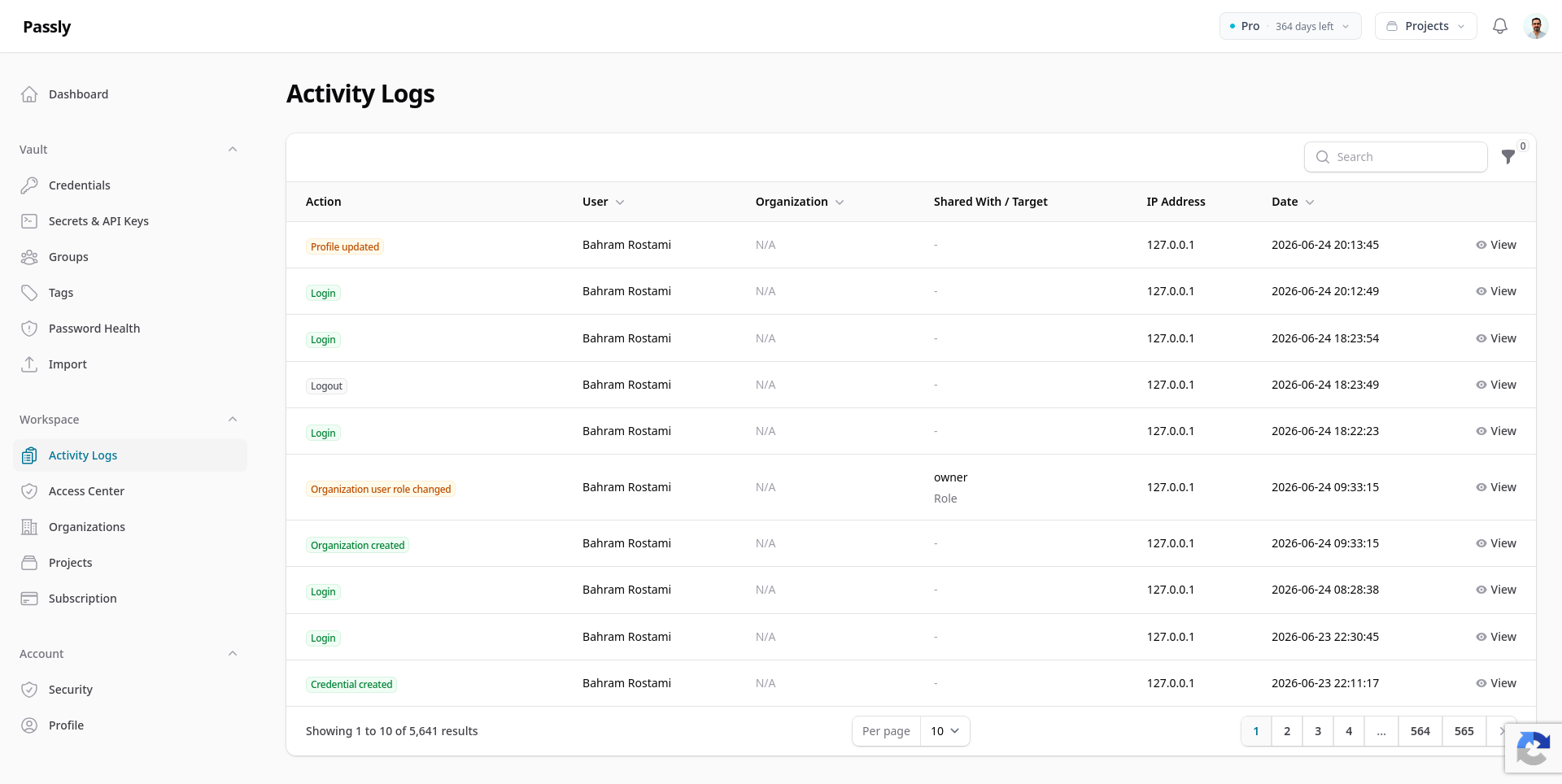
Audit log
Every view, change, and share is recorded, so you always know who did what and when.
-
Groups and tags
Organize credentials with groups and personal tags so the right people find the right login in seconds.
-
Browser extension
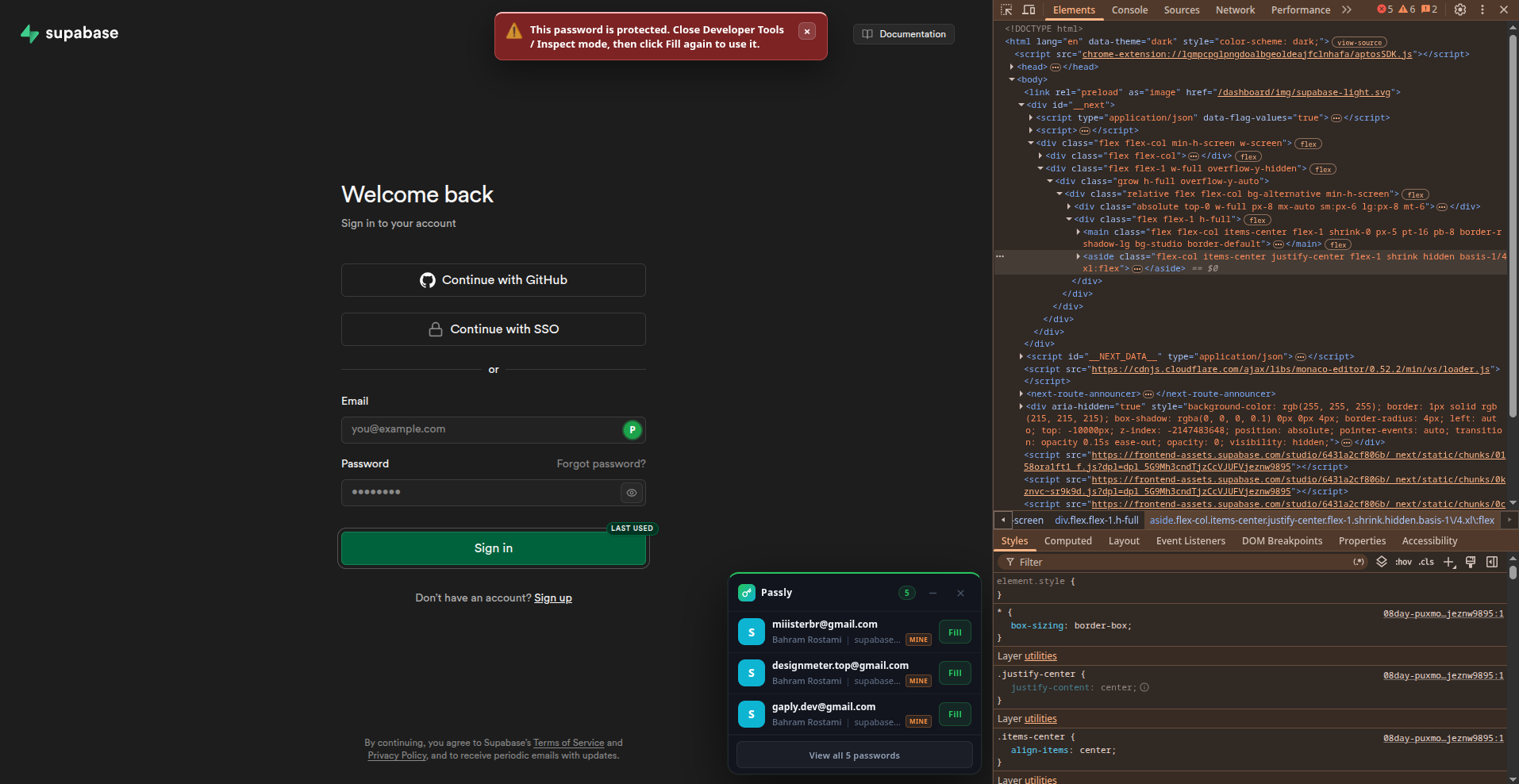
Autofill on the matching site, save new logins as you go, and generate strong passwords without leaving the page.
-
Attached files
Attach license files, certificates, or recovery codes to a credential. The same access rules apply.
-
Import in minutes
Bring your existing logins over from Firefox, Chrome, and other browsers with a guided CSV import.
-
Exposed-password alerts
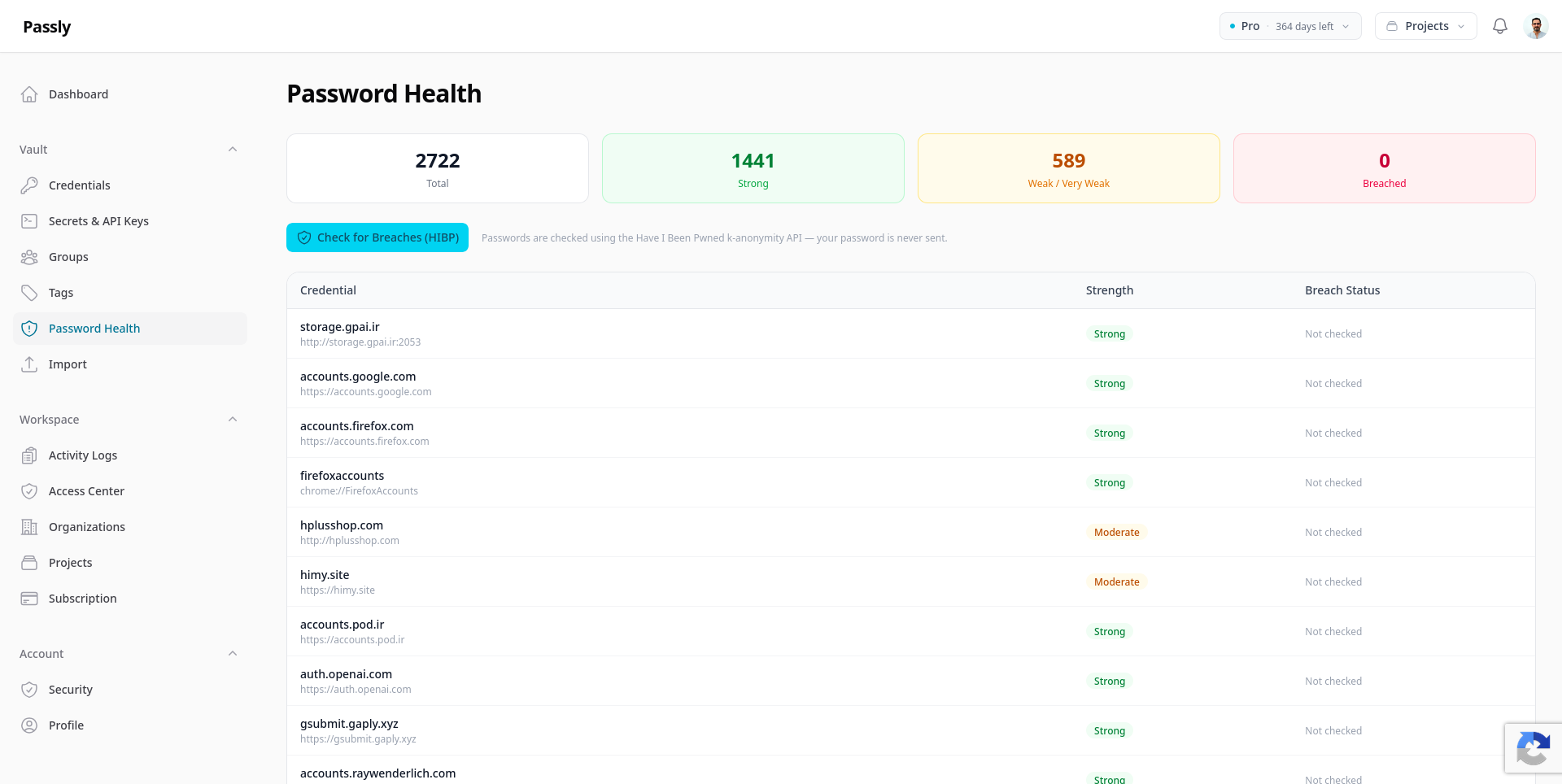
When you save a login, Passly checks it against known data breaches and warns you if that account was exposed.
-
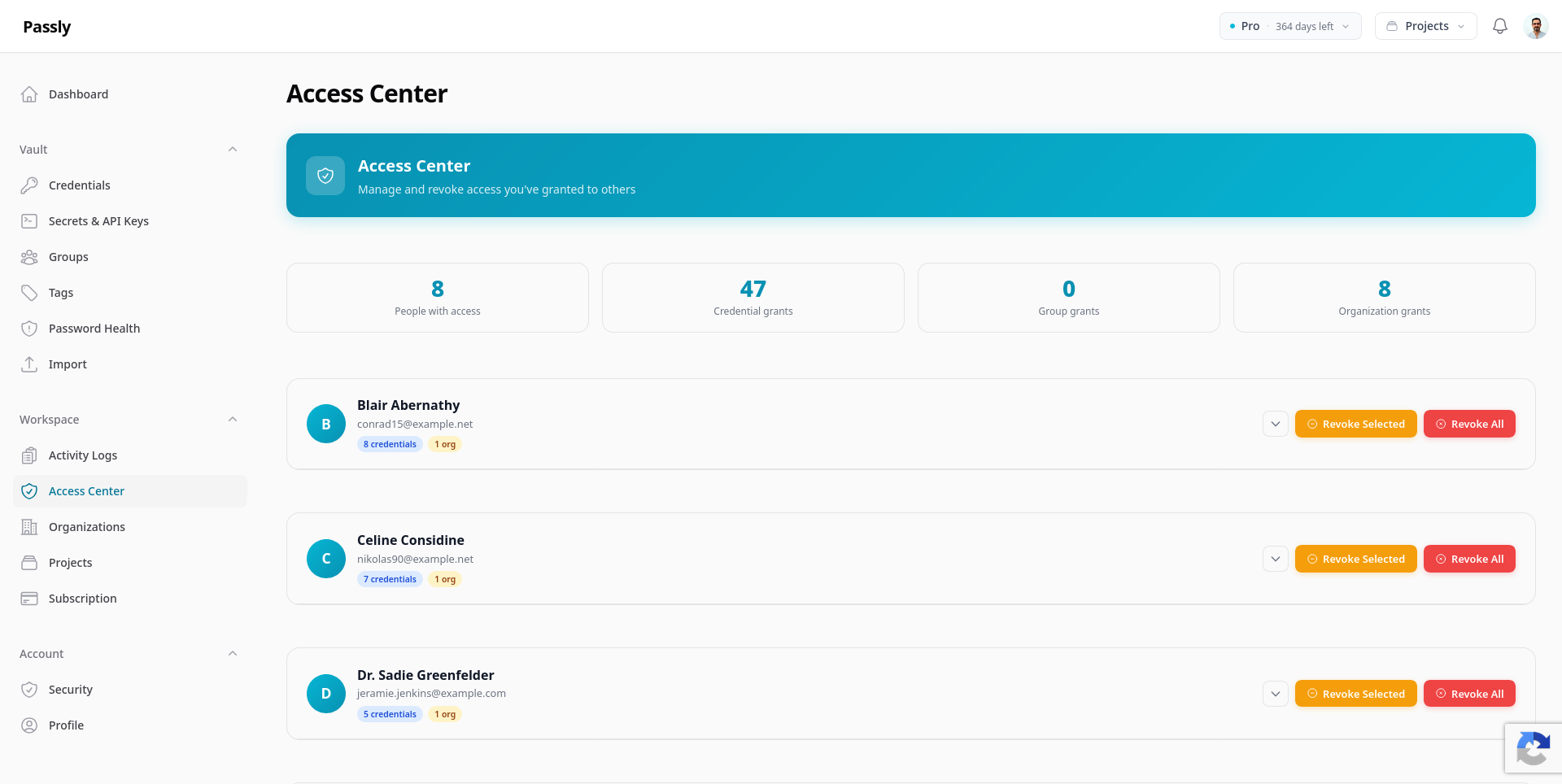
One-click access revoke
Instantly remove a member's access to every credential, group, and project across the organization in a single click.
Not everyone needs full access
Give each person or group exactly the right level. Access set at the organization level flows down to projects, groups, and credentials automatically.
-
View
Read a credential in the vault, nothing more.
-
Edit
Update credentials and rotate keys, without changing who can see them.
-
Manage
Full control: share, revoke, delete, and review the audit log.
Access hierarchy
-
Organization Acme Corp
-
Project Website Team
-
Group Dev Secrets
-
Credential github.com
-
API key Stripe key
Access granted at the top flows down to everything beneath it.
Bring your passwords with you
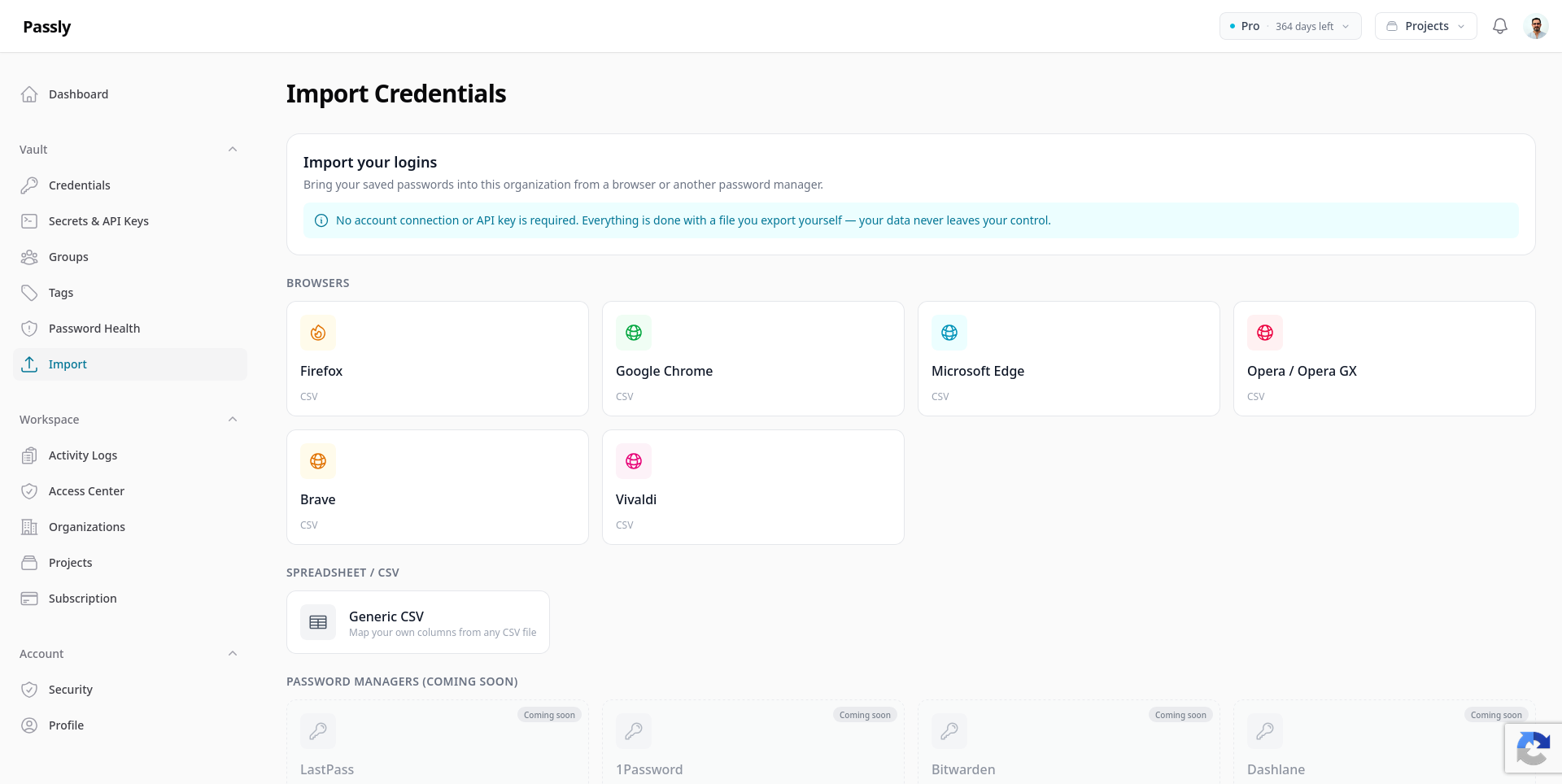
Export from your browser, upload the file, review a preview, and import. No account connection or API key needed.
- Firefox
- Google Chrome
- Microsoft Edge
- Opera
- Brave
- Vivaldi
- Generic CSV
Firefox and every Chromium browser export a standard CSV. Generic CSV lets you map columns from anywhere else.
- LastPass
- 1Password
- Bitwarden
- Dashlane
- NordPass
- KeePass
- iCloud Keychain
Direct import from these password managers is on the way.
Know the moment an API key stops working
Passly checks the keys you choose on a schedule and tells you what went wrong, so you hear it from us rather than from a failing integration.
-
Checked every 15 minutes
Each check is a free, read-only request to the provider. Nothing is created, nothing is charged, and your quota is left alone.
-
Told what actually broke
A revoked key, an empty balance, a rate limit and an outage all read differently. You get the reason by email and in the app, and a note when the key recovers.
-
The key stays out of it
Your key is never written to a log, an email, a notification or a queue, and provider messages are stripped of anything resembling a secret before they are stored.
- OpenAI
- Anthropic
- ScreenshotOne
Each service is a separate handler, so support for a new one arrives without disturbing the others.
- Healthy
- Invalid key
- Insufficient credit
- Rate limited
- Provider unavailable
- Timeout
Keys sealed with Zero-Knowledge cannot be read by our servers, so monitoring stays off for them until you choose to exclude one key yourself.
Bring your vault to every browser
Install the Passly extension to autofill credentials, save new logins, and generate strong passwords on every site.


Simple, transparent pricing
Choose the plan that fits your needs.
Questions, answered
Ready to organize your logins?
Start free in a couple of minutes. No credit card needed.
Talk to us
Have a question or a special request? We would love to hear from you.